
Energy Center Submission of Documents
Upload WEBSITE: https://ec-upload.birdf.com
Energy Center Upload System
Call for Proposals 2026 – Submission Upload Instructions
Register → Get Approved → Create Program → Add Consortium Participants → Upload & Submit Files
1. Register in the System
Go to: https://ec-upload.birdf.com
Create a new account.
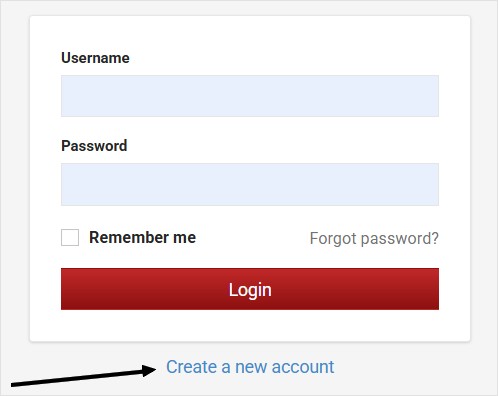
Complete the Registration
♦ Select the country by clicking the relevant flag.
♦ Complete all required fields.
♦ The Company/Entity Username will serve as your login username.
Important: Use an active and valid email address for all system communications. For phone numbers, use a full format including country/area code e.g. 972526000000
2. Account Approval
During registration, select the BIRD contact with whom you have been in touch.
Your account will be activated after approval by the selected contact.
3. Create a Program
Once your account has been approved and activated:
1. Log in to the system.
2. Create Program
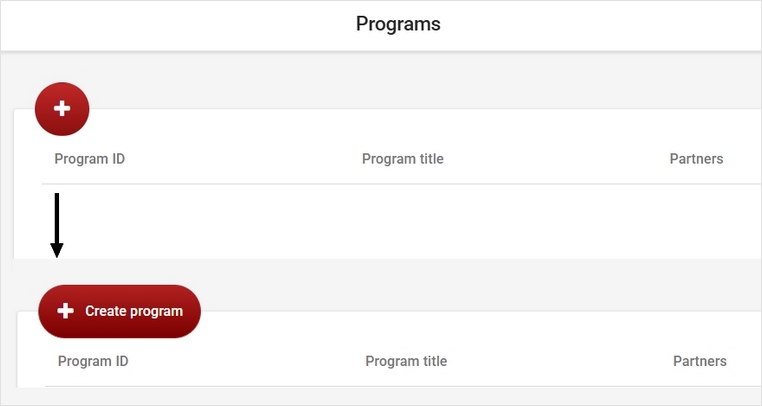
One of the consortium’s Founding Members (FM) either U.S. or Israeli, should create the Program.
The users who create the Program are automatically designated as a Founding Member for their respective sides (IL and U.S.).
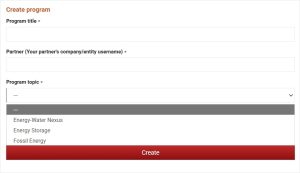
Enter Program Information
The creator will be required to enter:
♦ Program Title
♦ Counterpart /partner Founding Member Username (not password)
♦ Consortium Topic (selected from the drop-down menu)
Click “Create”.
4. Add Consortium Participants
Consortium participants must first register in the system, including:
♦ U.S. Founding Members
♦ IL Founding Members
♦ Consortium Members (can also be done by the Founding Members).
After the Program is created:
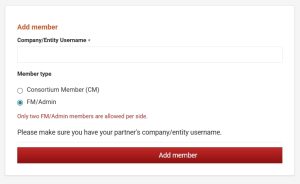
♦ Each FM may add one additional FM
♦ FMs also add the Consortium Members (CMs) to the Program
♦ To add a participant, you will need their registered username.
When participants log in, they will be able to view the Programs to which they have been added.
5. Upload and Submit Files
After completing the steps above:
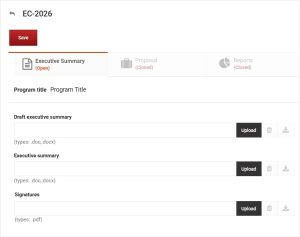
1. The FM uploads the required files. Use the “Upload” button to browse and upload the file
2. Click the red “Save” button to complete the submission.
Do not send your files by email.
U.S.-Israel Energy Center
Funding Opportunity for U.S.-Israel Cooperation in
CALL FOR PROPOSALS
Click for details